

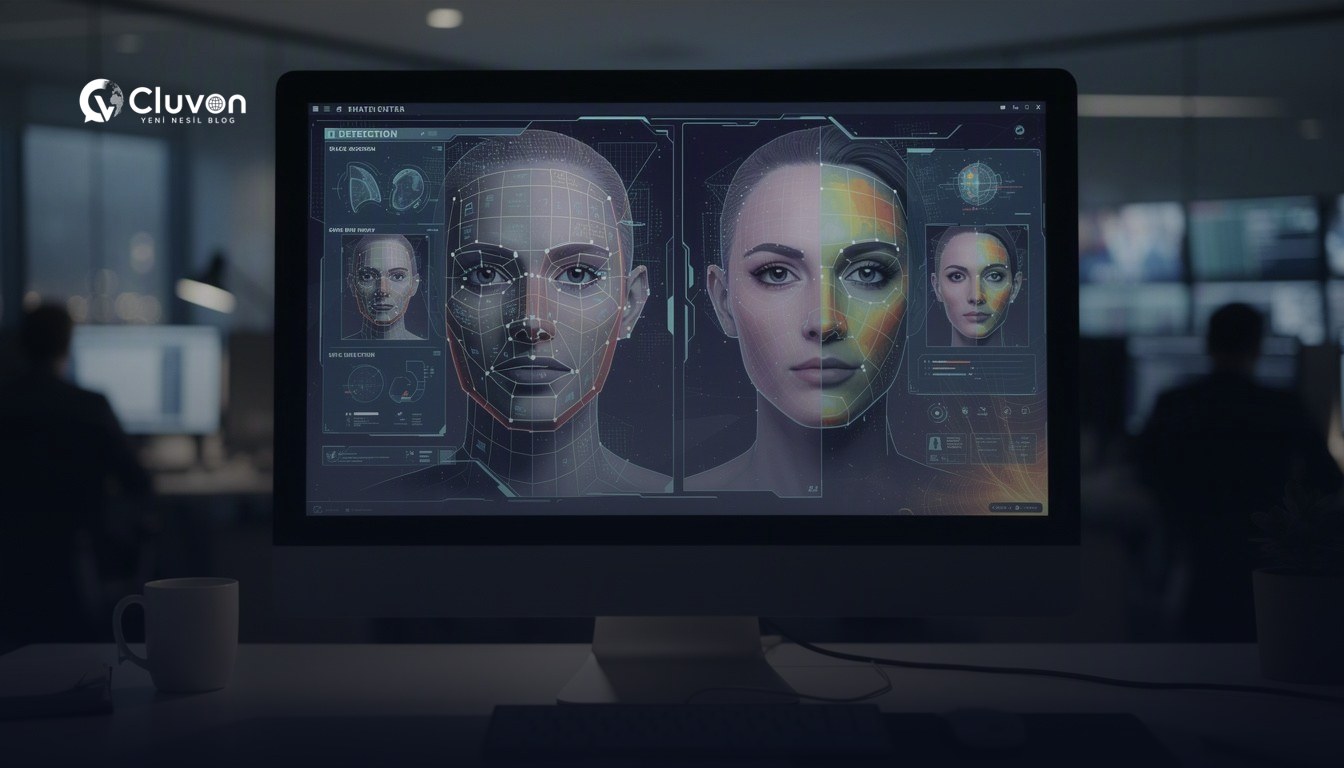

A deepfake is a video or audio clip manipulated with AI so a person appears to say or do something they never actually did. If you are worried about a fake video of yourself, the key is to look for mismatches in motion, lighting, timing, and context. The faster you identify the signs, the faster you can limit damage.
Deepfakes are no longer just a technical curiosity. They can affect trust, reputation, and personal safety. That is why this guide explains what deepfakes are, how they are created, and the practical steps you can take to spot a fake of your own video before it spreads further.
What is a deepfake?
A deepfake is an AI-generated or AI-edited piece of media that makes a person’s face, voice, or movements look real while changing what they actually said or did. In practice, the result can range from a subtle face swap to a fully synthetic video that seems convincing at a glance.
Deepfakes matter because they blur the line between real and fabricated content. For most people, the biggest risk is not a cinematic hoax, but a believable clip shared in a group chat, on social media, or through a fake account using their identity.
Deepfake vs. ordinary editing
A deepfake is different from normal video editing because it attempts to imitate reality instead of just cutting or enhancing footage. Simple edits may crop, color-correct, or trim a clip. Deepfake manipulation usually changes the subject’s likeness, speech, or expression.
Here is a simple comparison:
| Type | What changes | Typical purpose | Main clue |
|---|---|---|---|
| Basic edit | Timing, cuts, color, sound | Clean up footage | Visible cuts or filters |
| Face swap deepfake | Face identity | Make someone appear in a scene | Unnatural facial movement |
| Voice deepfake | Voice pattern | Make someone sound like another person | Odd rhythm, tone, or stress |
| Fully synthetic video | Face, voice, scene | Create a fake person or event | Inconsistent details |
How deepfakes are made
Deepfakes are usually created with machine learning models trained on images, audio, or video of a target person. The system learns patterns such as facial structure, expression changes, and speech characteristics, then generates new content that imitates them.
For a viewer, the output may look polished, but it often contains small mismatches. Those mismatches are exactly what you should search for when you suspect a fake video of yourself.
Common techniques behind deepfakes
Deepfake creation can involve several approaches, depending on the content and the goal:
- Face swapping: replacing one face with another in a video.
- Lip-sync manipulation: altering mouth movements to match different audio.
- Voice cloning: generating speech that sounds like a specific person.
- Synthetic generation: creating a new face or scene from scratch.
- Motion transfer: copying expressions or head movements onto another subject.
Why deepfakes can look convincing
Deepfakes can be hard to spot because they are designed to imitate human perception. If the lighting is acceptable and the video is compressed for social media, small errors can disappear. That means you should not rely on a single visual cue. Look for patterns across the whole clip.
How to spot a fake of your own video
A fake video of your own image often gives itself away through small inconsistencies in face movement, lighting, audio, and context. Start by checking the most visible details first, then move to metadata, source, and timeline. If several clues point in the same direction, treat the video as suspicious.
1. Check the face frame by frame
A manipulated face may look fine in motion but break under close inspection. Watch for unnatural blinking, stiff cheeks, mismatched shadows, or facial edges that shimmer as the person moves.
Look for:
- Asymmetrical eye movement
- Blurry or unstable jawlines
- Teeth that shift strangely between frames
- Skin texture that changes unnaturally
- Facial features that “swim” during motion
2. Listen for audio mismatch
When audio and video are out of sync, the result can feel almost right but still wrong. A fake voice may have odd pauses, unusual emphasis, or a flat emotional tone that does not match the situation.
Pay attention to:
- Lip movement not matching syllables
- Breath sounds that seem absent or artificial
- Sudden changes in volume or tone
- Speech that sounds too smooth or too robotic
- Background noise that does not fit the scene
3. Inspect lighting and shadows
Lighting inconsistencies are common in synthetic or altered video. The face may be lit differently from the neck, background, or hands. Shadows may appear too soft, too sharp, or located where they should not be.
Ask yourself:
- Does the light direction stay consistent?
- Do reflections on glasses or skin make sense?
- Are facial shadows aligned with the background?
- Does the color temperature shift unexpectedly?
4. Watch hands, hair, and accessories
Deepfake systems often focus on the face and neglect surrounding details. Hands may warp, hair may merge into the background, and earrings, glasses, or collars may appear distorted.
Common weak points include:
- Fingers changing shape
- Hairline flickering
- Earrings or glasses shifting oddly
- Clothing edges melting into the background
- Jewelry appearing and disappearing between frames
5. Check context and source
A convincing fake can still fail when the surrounding context does not add up. Review where the video came from, who posted it first, and whether the story makes sense.
Consider:
- Was the account newly created?
- Does the caption match the visual content?
- Is there a suspicious lack of source information?
- Does the video appear on multiple accounts with different claims?
- Does the location or date seem off?
6. Look for compression artifacts and re-uploads
Sometimes a deepfake is easier to notice after it has been shared many times. Compression can create blockiness, but it can also hide manipulation. If the clip looks unusually soft around the face but sharp elsewhere, that difference may matter.
Useful clues:
- Face region is more blurred than the background
- Repeated glitches at the same points
- Sudden quality jumps in the same frame
- Strange transitions where the face “snaps” into place
7. Compare against known authentic footage
If the video claims to show you, compare it with trustworthy footage of you from similar angles, lighting, or speech patterns. This is not about matching every detail. It is about spotting whether the behavior, voice, and facial movement are consistent with the real person.
A simple verification checklist:
| Check | What to compare |
|---|---|
| Face shape | Natural proportions and motion |
| Voice | Accent, pace, breathing, stress |
| Gesture style | Habitual movements and posture |
| Background | Real location or plausible setting |
| Timeline | When and where the clip claims to be from |
8. Use reverse search and archive checks
If a video is widely shared, search for earlier versions, reposts, or related still images. A reverse image or frame search can sometimes reveal whether the clip was taken from another source, edited from another video, or reused in a misleading context.
If you cannot find the original, that absence itself may be a warning sign.
What to do if your video is being used
If your video is being used in a deepfake, the priority is to limit spread, document evidence, and report the content through the platform or relevant legal channels. Do not argue in public first; secure proof before the post is deleted or altered.
Immediate steps to take
Use this order:
- Save evidence. Capture screenshots, URLs, timestamps, account names, and any comments that show reach or intent.
- Preserve the original. Keep an untouched copy of the video and the surrounding post.
- Report the content. Use the platform’s reporting tools for impersonation, harassment, or manipulated media.
- Notify trusted contacts. If the clip could confuse family, colleagues, or clients, warn them briefly.
- Document harm. Record any reputational, financial, or safety impact for future action.
What not to do
Avoid these mistakes:
- Do not repost the fake clip without context.
- Do not rely on a single screenshot as proof.
- Do not assume the platform will remove it quickly.
- Do not engage aggressively with the poster if it could escalate the situation.
When to seek help
If the fake video involves threats, extortion, impersonation, or non-consensual content, consider getting professional support. That may include legal advice, platform escalation, or help from a trusted digital safety contact.
How to reduce future risk
The best way to reduce deepfake risk is to make it harder for bad actors to collect clean source material and easier for you to prove what is real. You cannot remove every risk, but you can raise the cost of misuse.
Practical prevention steps
- Limit public access to high-quality personal videos.
- Review privacy settings on social platforms.
- Be cautious with public livestreams and open-profile clips.
- Use different profile photos across unrelated platforms.
- Keep records of original files and publication dates.
- Watermark public content when appropriate for your use case.
Build a verification habit
If you regularly publish video, create a simple authenticity routine. Save originals, keep timestamps, and note where each clip was posted first. This makes later comparison easier and helps you answer disputes faster.
Frequently asked questions
What is the easiest sign of a deepfake?
The easiest sign is often a mismatch between the face and the rest of the video. Look closely at lip-sync, blinking, shadows, and fine movement around the eyes and mouth. One sign alone is not proof, but several together raise suspicion.
Can a deepfake be detected by eye alone?
Sometimes yes, but not always. Many deepfakes are obvious at first glance, while others are subtle enough to need careful frame-by-frame review or source verification. If the video matters, combine visual review with context checks and preservation of evidence.
What should I do if someone shares a fake video of me?
Save evidence first, then report the content and notify people who may be affected. If the clip is harmful or threatening, escalate through the platform and consider professional legal or safety help. Fast documentation is often the most important first move.
Are voice deepfakes easier to detect than video deepfakes?
Not necessarily. Voice deepfakes can sound convincing in short clips, especially when background noise is present. Listen for unnatural pacing, emotional flatness, or odd pronunciation. Compare the clip with authentic recordings if you have them.
Conclusion
A deepfake can make a fake video of your own image seem real enough to spread quickly, but it still leaves clues. By checking facial motion, audio sync, lighting, context, and source quality, you can often spot problems before the clip gains traction. If you find a suspicious video, document it first and act fast.
If you want to learn more about the broader technology behind these risks, explore our Artificial Intelligence category for related guides and practical explanations.