

Introduction
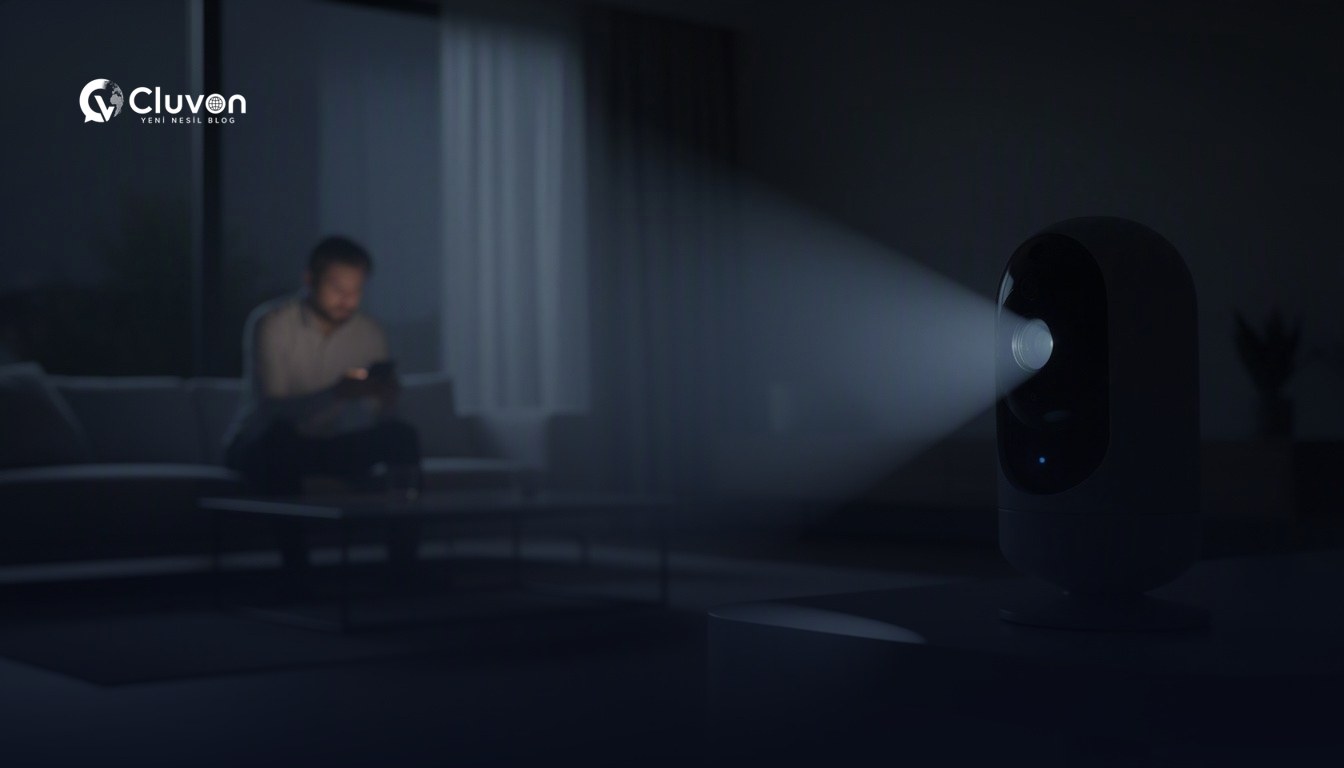
Smart home camera privacy is not just about whether a camera is turned on. It is about where the device points, who can access the footage, how recordings are stored, and which app permissions you allow. In practice, the risk often comes from default settings, weak account security, and overly broad sharing.
What Makes Smart Home Camera Privacy Risky?
Smart home camera privacy becomes a concern when footage leaves your control too easily. That can happen through cloud storage, shared household accounts, weak passwords, remote access, or motion alerts that record more than you intended. Even a well-known brand can create privacy issues if the setup is careless.
The main risk areas are usually the same:
- Cloud access that stores video outside your home
- Shared logins that everyone in the household uses
- Alerts and clips that capture private routines
- Voice features or two-way audio that are left enabled
- App permissions that are broader than necessary
A camera can be useful and still be a privacy liability if you do not control these settings intentionally.
The Settings That Matter Most
The settings that matter most are the ones that limit who sees the footage, what gets recorded, and how long data is kept. If you change only a few things, start with recording mode, motion zones, storage location, sharing controls, and account security. Those five areas usually make the biggest difference.
Recording and storage settings
Recording and storage settings decide whether clips are saved locally, in the cloud, or both. If your camera supports local storage, that may reduce exposure compared with always sending video to a remote server. Cloud storage can be convenient, but it also means trusting another platform with sensitive footage.
Check for:
- Local storage options
- Cloud backup settings
- Retention period controls
- Automatic clip deletion
- Manual recording triggers
A shorter retention period is often better for privacy, as long as it still fits your safety needs.
Motion detection and activity zones
Motion detection and activity zones help you avoid recording areas you do not need. Instead of covering an entire room or yard, limit detection to entry points or specific movement paths. This reduces unnecessary capture of family members, guests, or neighbors.
Good practice includes:
- Drawing custom detection zones
- Excluding windows and public areas
- Lowering sensitivity to reduce false alerts
- Turning off continuous recording when it is not needed
- Reviewing event clips regularly
If the camera only watches the exact area you need, it is less likely to become a general surveillance tool.
Sharing and access controls
Sharing and access controls determine who can view the feed. This is one of the most overlooked parts of smart home camera privacy. A camera may be technically secure, but if everyone has the same login, privacy is still weak.
Use these controls carefully:
| Control | Safer approach | Why it matters |
|---|---|---|
| Account login | Unique, strong password | Limits unauthorized access |
| Household sharing | Invite only trusted users | Keeps access intentional |
| Guest access | Disable unless needed | Reduces accidental exposure |
| Admin rights | Limit to one or two people | Prevents settings changes by everyone |
| Temporary access | Remove after use | Avoids lingering permissions |
If your app offers role-based access, use it. Separate viewing from full administration whenever possible.
Notifications and smart alerts
Notifications and smart alerts can reveal more than you expect. A phone buzz at the wrong time can expose private habits, and preview images may appear on lock screens. If the app lets you, reduce preview detail and limit who receives alerts.
Review these options:
- Lock-screen preview visibility
- Alert frequency
- Notification categories
- Event clip sharing
- Email summaries versus instant alerts
For many people, fewer alerts means less unnecessary exposure and less stress.
How to Set Up a Camera More Safely
A safer setup starts before installation and continues after the first week of use. Position the camera carefully, choose the least invasive settings that still meet your purpose, and audit the app once everything is working. Small choices at setup time often matter more than the camera model itself.
Placement choices that protect privacy
Placement choices can prevent the camera from seeing more than it should. Aim the lens only at the area that needs monitoring, not into bedrooms, bathrooms, shared living spaces, or neighboring property. If the camera must cover a wide angle, use masking or zones to block sensitive areas.
A practical placement checklist:
- Point the camera at an entryway or other specific target.
- Avoid mirrors, monitors, and reflective surfaces.
- Keep it out of private relaxation areas.
- Make sure household members understand where it records.
- Revisit the angle after a few days of use.
The best privacy setting is often a better physical position.
App and account hardening
App and account hardening matters because most camera risks begin with account compromise. Use a unique password, enable multi-factor authentication if available, and review all linked devices. Remove old phones, shared tablets, and temporary logins that no longer need access.
Also check:
- Password reset options
- Trusted device lists
- Login history
- Recovery email address
- App update status
If the app offers biometric unlock, it can add a useful layer of protection on the phone itself.
Data retention and deletion habits
Data retention and deletion habits determine how long your footage stays available. If you do not need old clips, there is little reason to keep them indefinitely. Review retention rules in the app, then delete unnecessary recordings on a regular schedule.
A simple habit helps:
- Keep only essential clips
- Export only what you truly need
- Review the archive monthly
- Remove outdated shared links
- Delete unused guest accounts
The goal is not to erase everything. The goal is to keep only the data you have a reason to store.
What to Watch for in Apps and Accounts
What you should watch for in apps and accounts is permission creep. Over time, camera apps can accumulate extra access, old devices, and forgotten sharing links. If you do not review them, the camera may become far more visible than you intended.
Here is a quick audit list:
- Check which devices are signed in
- Review all shared users
- Turn off features you do not use
- Inspect microphone and location permissions
- Update the app and firmware when needed
- Remove integrations you no longer trust
If a feature is convenient but not necessary, disabling it often improves privacy with little downside.
When a Camera Is the Wrong Tool
A camera is the wrong tool when the goal is general oversight rather than a specific security need. In bedrooms, guest rooms, or other highly personal spaces, the privacy cost can outweigh the benefit. The same is true when everyone in the home is uncomfortable with being recorded.
Consider alternatives such as:
- Door sensors
- Smart locks
- Window sensors
- Alarm systems
- Non-camera presence alerts
If a camera creates more tension than safety, it is probably not the right choice for that space.
Frequently Asked Questions
Are smart home cameras always a privacy risk?
They are not always a privacy risk, but they do create one if setup, access, or storage is handled casually. The device itself is only part of the issue; the app, sharing settings, and retention rules matter just as much.
Is local storage better for privacy than cloud storage?
Local storage can be better for privacy because footage stays closer to home, but it is not automatically safer. You still need strong device security, physical protection, and good account controls. Cloud storage can be acceptable if you understand the trade-offs.
What is the first setting I should check?
Start with access control. Make sure only trusted people can log in, then review recording mode, motion zones, and retention settings. Those choices usually shape most of the privacy impact.
Should I turn off the microphone?
If you do not need audio, turning it off can reduce privacy concerns. Two-way audio and always-on listening features can capture more than video alone, so it is worth checking whether they are necessary.
Conclusion
Smart home camera privacy depends less on the camera itself and more on how you configure it. If you limit access, narrow the view, reduce retention, and disable features you do not need, you can lower the risk substantially. A careful setup is the difference between useful monitoring and unnecessary exposure.
If you want more practical home-tech guidance, visit our Reviews category and compare the settings that matter before you buy or install another device.